I then proceeded to take a screenshot of my IP address, restarted my router, then took a screenshot of my new, but similar, IP address, proving that restarting your router DOES change your IP address.
But he just couldn’t accept the L, and now we’re here, oh boy.
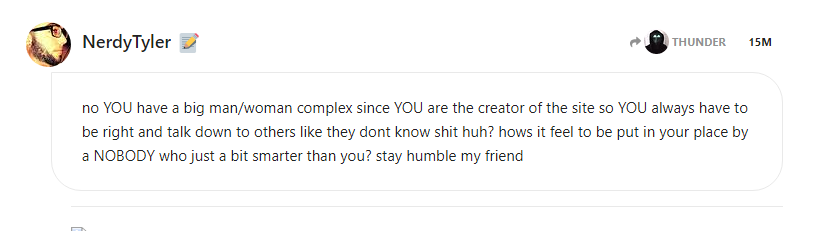
I seriously doubt scambaiters are gonna give a shit about your petty behaviour. I’ll just post screenshots where I prove you wrong anyways if you wanna be a dick.
Links/Info:
.soundcloud.com/tyler-brownfield-2
.www.facebook.com/newbreedsoftware (owned by William Kendrick?) [email protected]
Mad? You’re the one coming back to a site just to make stupid posts… I’m not mad at all, just slightly annoyed by your childish behaviour, that’s literally it.
you showed me 2 screenshots of 2 different IPs. no time stamps, no “proof of rebooting”. as i mentioned MANY TIMES, DHCP Leases EXPIRE which cause you to OBTAIN A NEW IP ADDRESS. you need to read up on DHCP leases before you dig yourself a deeper hole
I don’t need to read up on something I already understand.
When I was much younger I messed around with my router settings all the time, and was able to change my DHCP settings… to make it so I can change my IP more frequently, god damn you’re such cringe.
you’re really one of those guys right? Always moving the goalpost when proven wrong so you can just shout “AHA, you didn’t do this arbitrary thing which means your evidence is null!!!”
in that same screenshot it lists several different methods, it’s almost like calling your ISP isn’t the only way to go about it… come on dude this can’t be the hill you wanna die on???
he literally laughed at me when i mentioned you have to call your ISP to change your WAN IP and then he turned around and posted a screenshot that said CALL YOUR ISP lmao
and REBOOTING YOUR ROUTER does NOT change your WAN IP, FACTORY RESETTING YOUR MODEM does. a simple unplug/plug or power off/power on does not because of DHCP Lease times…
I honestly cannot believe that such a simple concept as “different things can work too” cannot be grasped by your mind… At this point it’s just a bit sad, really.
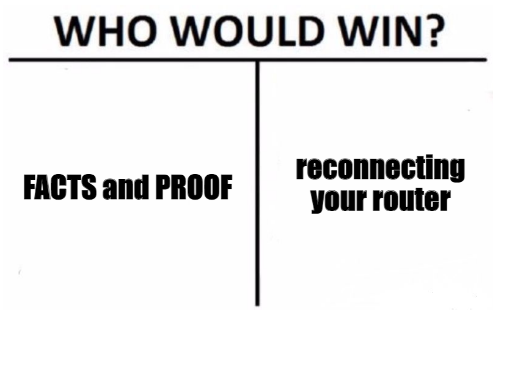
lmao so me posting FACTS and PROOF means nothing when you showed me 2 different IP’s ON THE SAME NETWORK which means it could be TWO DIFFERENT DEVICES. 51.194.x.102 and 51.194.x.104 sounds like 2 different devices on the same octet list but go on…
I took a screenshot of my IP clearly on Google, then I proceeded to disconnect my router from the internet & waited a couple of minutes, then I reconnected it and took another screenshot of my new IP address.
Why is this so hard to understand? And why would I have 2 broadband connections on the same ISP? You can check both IPs and they will say Sky Broadband… holy shit you’re so stupid.